Node inspector debugging
我目前无法让节点检查器与Google Chrome一起使用。我在Windows 7 64位上。
这是有关节点检查器的信息:
https://github.com/node-inspector/node-inspector
运行以下命令时
在名为app.js的简单JavaScript文件上:
1
2
3
4
| a = 5;
b = 6;
c = a + b;
console.log(c); |
,然后使用以下URL打开Chrome:
1
| http://localhost:8080/debug?port=5858 |
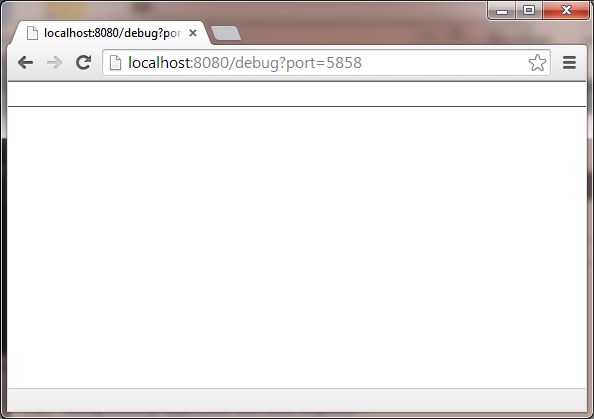
我得到的只是一个空页面,除了Chrome调试工具栏的一小部分,什么也没加载,无论我做什么,我什至都重新安装了Chrome(以及Canary开发人员版本):
- 就像您所做的那样对我有用。您是否在" npm install -g node-inspector "中使用了-g选项?
-
加载空白页后,打开Chrome DevTools。控制台中是否有任何错误/警告?
-
是的,使用了g选项,在控制台中没有错误或警告。我开始怀疑这与我在64位计算机上的事实有关,因为我的32位Windows 7计算机使用相同的设置。
-
您的Inspector屏幕看起来像ws模块的问题。您如何看到检查器界面的某些部分已加载。但是下一步,检查器需要打开Web套接字,只有在此之后,它才能完成绘制界面。 Miroslav您可以通过在debug-server.js中注释this.wsServer.on('connection', handleWebSocketConnection.bind(this));来重现此问题
尝试在没有node-debug包装器的情况下启动它。
因此,安装节点检查器:
1
| npm install -g node-inspector |
在一个终端中:
在另一个终端中:
浏览到http://localhost:8080/debug?port=5858
- 是的,原来我和你一样。但是每次运行" npm install -g node-inspector"时,我确实得到了警告。请在上方查看我的编辑帖子。
-
看起来不错。没有看到警告。
-
我只是在Windows上尝试过,然后一切正常。节点v0.10.22。命令node-inspector是否有效?
-
相同的设置可以在其他32位Windows 7计算机上使用,因此我目前的预感是与我的64位Windows 7计算机有关。节点,npm,node-inspector的所有版本控制都是相同的,因此可能是问题所在。除了可能在我的64位计算机上安装所有内容的32位版本外,不知道如何解决它。
-
我与节点检查器有相同的问题。 debug-brk似乎没有任何区别。我在Windows 7 64位的VirtualBox上运行Ubuntu 14.04。一切都已重新安装,因此我正在运行最新的稳定版node和node-inspector。该应用程序运行正常(在端口80上运行),但是node-inspector无法"查找" server.js-它显示了网页,但在左上角的"源"下没有任何内容。起初只有一个实例,只有一次,并且什么也没有...
我有一个类似的问题,进入http://localhost:8080/debug?port=5858将导致页面空白。但是,去http://127.0.0.1:8080/debug?port=5858似乎可以解决问题。
我有同样的问题。然后我卸载了node-inspector,再次安装了它。关闭了安装了node-inspector的cmd提示符(也许此步骤有所作为)。打开另一个cmd提示符以对my.js进行节点调试。我现在可以看到源文件。
